mirror of
https://github.com/chidiwilliams/buzz.git
synced 2026-03-14 22:55:46 +01:00

4.9 KiB
4.9 KiB
[简体中文] <- 点击查看中文页面。
Buzz
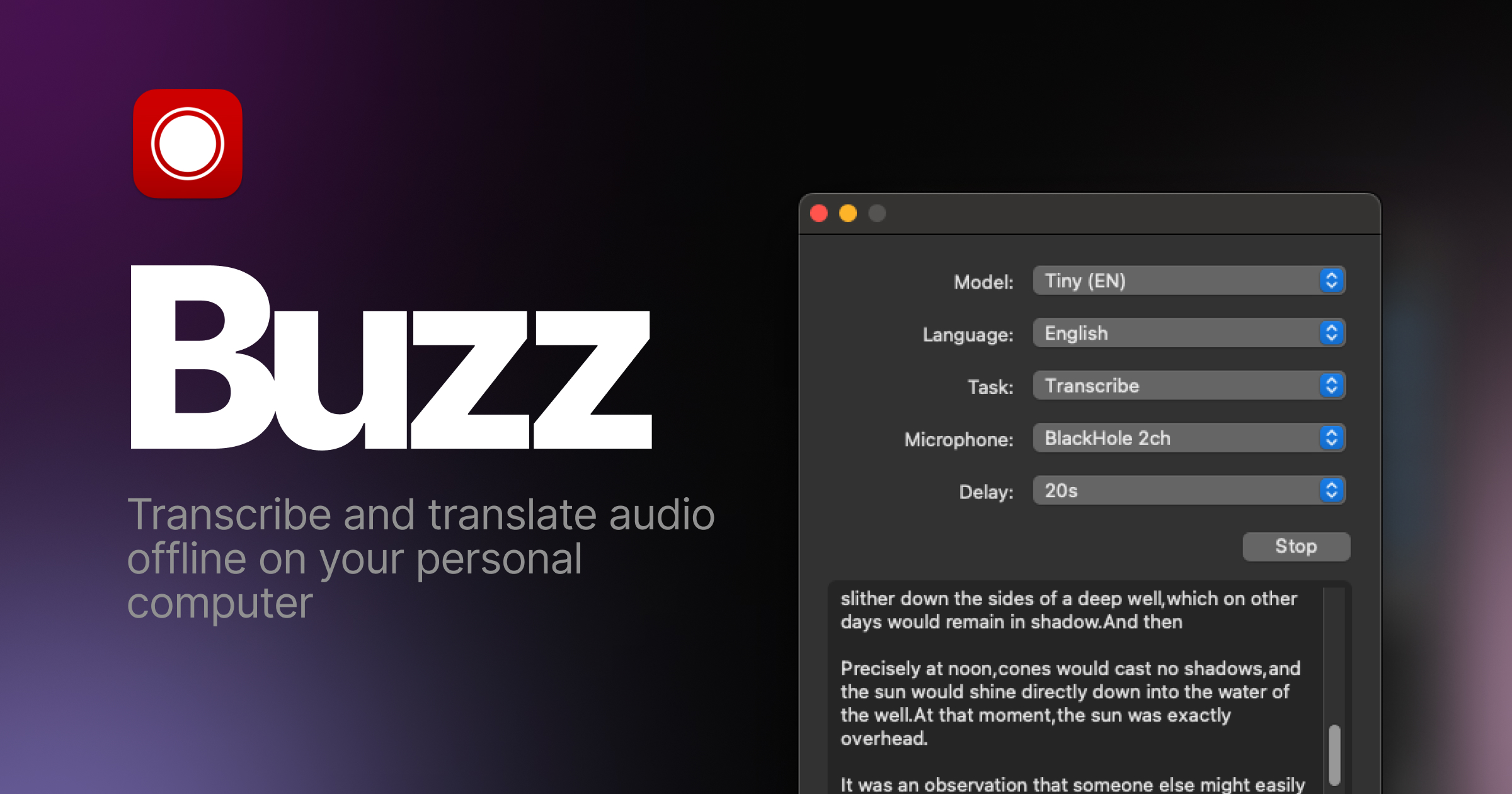
Transcribe and translate audio offline on your personal computer. Powered by OpenAI's Whisper.





Features
- Transcribe audio and video files or Youtube links
- Live realtime audio transcription from microphone
- Presentation window for easy accessibility during events and presentations
- Speech separation before transcription for better accuracy on noisy audio
- Speaker identification in transcribed media
- Multiple whisper backend support
- CUDA acceleration support for Nvidia GPUs
- Apple Silicon support for Macs
- Vulkan acceleration support for Whisper.cpp on most GPUs, including integrated GPUs
- Export transcripts to TXT, SRT, and VTT
- Advanced Transcription Viewer with search, playback controls, and speed adjustment
- Keyboard shortcuts for efficient navigation
- Watch folder for automatic transcription of new files
- Command-Line Interface for scripting and automation
Installation
macOS
Download the .dmg from the SourceForge.
Windows
Get the installation files from the SourceForge.
App is not signed, you will get a warning when you install it. Select More info -> Run anyway.
Linux
Buzz is available as a Flatpak or a Snap.
To install flatpak, run:
flatpak install flathub io.github.chidiwilliams.Buzz
To install snap, run:
sudo apt-get install libportaudio2 libcanberra-gtk-module libcanberra-gtk3-module
sudo snap install buzz

PyPI
Install ffmpeg
Ensure you use Python 3.12 environment.
Install Buzz
pip install buzz-captions
python -m buzz
GPU support for PyPI
To have GPU support for Nvidia GPUS on Windows, for PyPI installed version ensure, CUDA support for torch
pip3 install -U torch==2.8.0+cu129 torchaudio==2.8.0+cu129 --index-url https://download.pytorch.org/whl/cu129
pip3 install nvidia-cublas-cu12==12.9.1.4 nvidia-cuda-cupti-cu12==12.9.79 nvidia-cuda-runtime-cu12==12.9.79 --extra-index-url https://pypi.ngc.nvidia.com
Latest development version
For info on how to get latest development version with latest features and bug fixes see FAQ.
Support Buzz
You can help the Buzz by starring 🌟 the repo and sharing it with your friends.
Screenshots


