- PHP 78.1%
- JavaScript 7.9%
- Vue 7.4%
- CSS 6.6%
| appinfo | ||
| css | ||
| img | ||
| lib | ||
| src | ||
| templates | ||
| .eslintrc.js | ||
| .gitignore | ||
| ISSUE_TEMPLATE.md | ||
| LICENCE | ||
| package.json | ||
| README.md | ||
| webpack.js | ||


🤙 Nextcloud app / Side menu 🎨
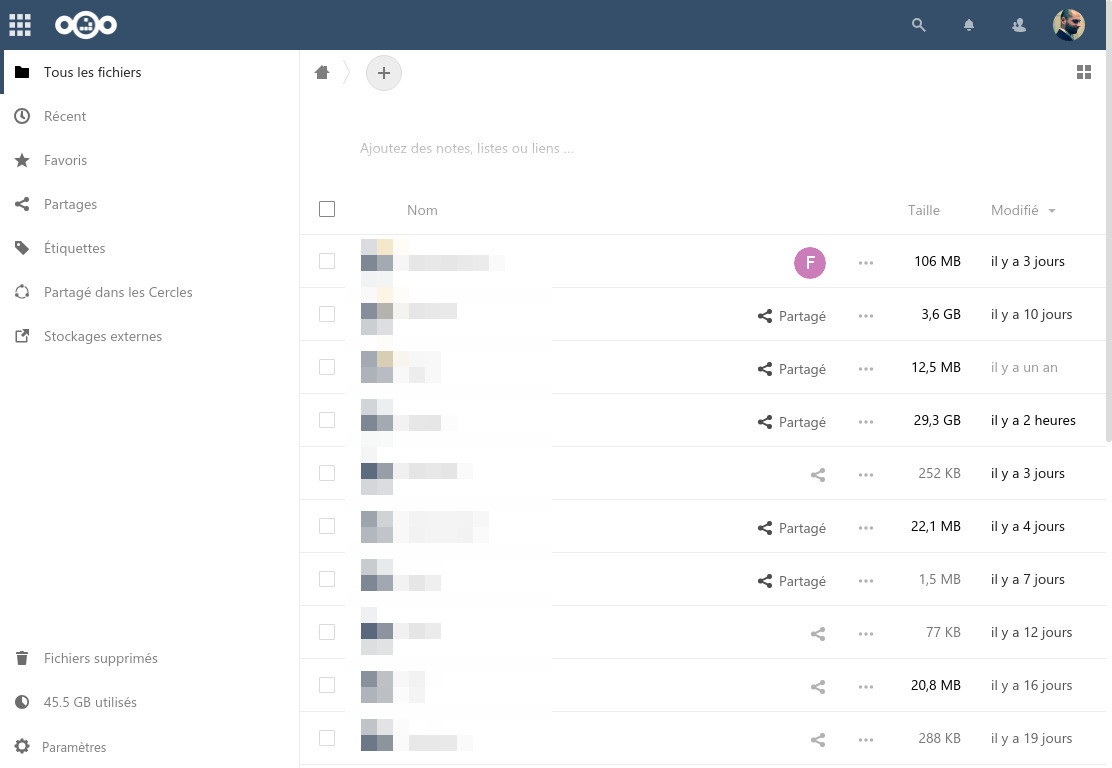
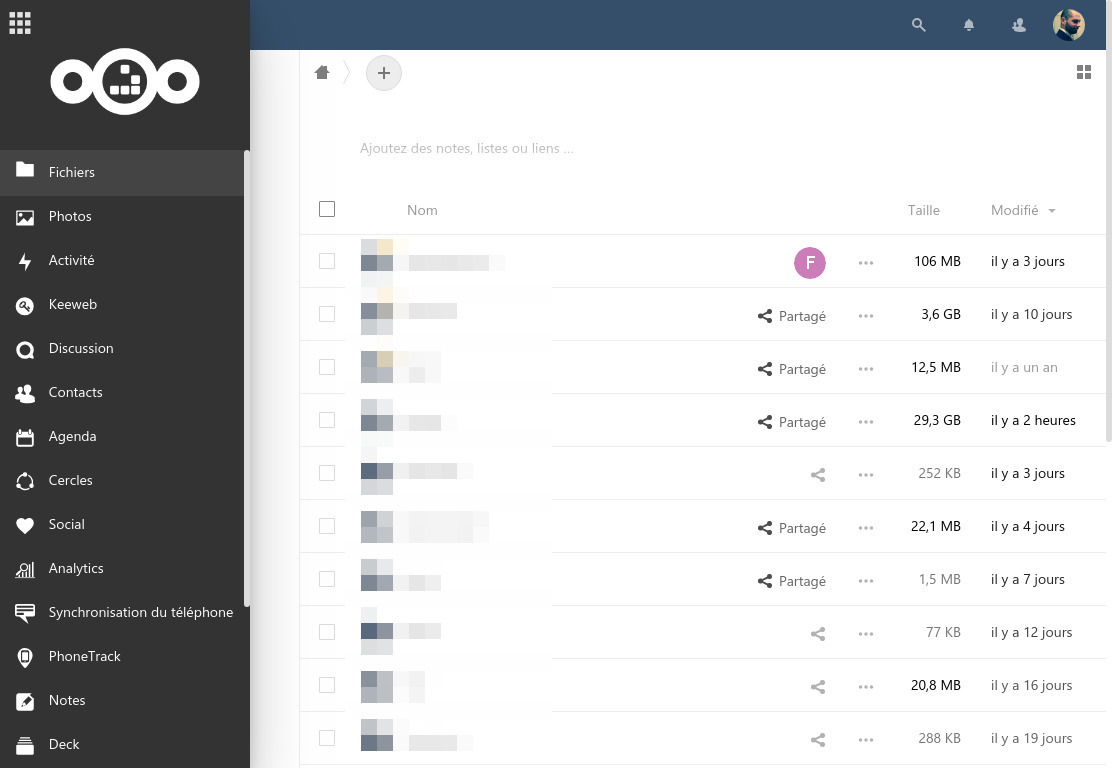
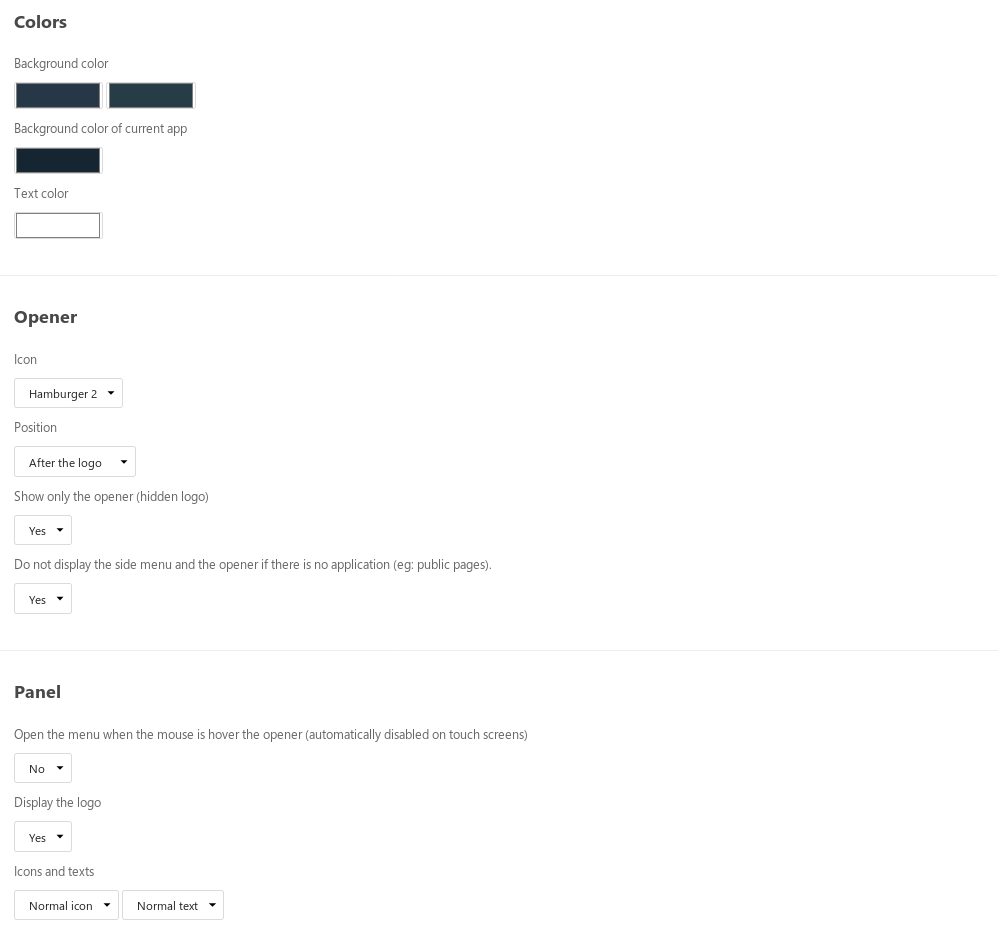
Side menu allows you to modify the position of the main menu by creating a panel on the left of the interface. This application is rather suitable for instances that activate a lot of applications.
Comptatible with AppOrder.
Installation
Side menu is availabe from the app store.
If you want to install it from source: go to https://gitnet.fr/deblan/side_menu/releases and download the last release (side_menu_vX.Y.Z.zip).
Copy the archive to your Nextcloud server.
$ cd /path/to/nextcloud/apps
$ unzip -d side_menu /path/to/side_menu_vX.Y.Z.zip
Upgrade
Side menu can be upgraded from the app store.
If you want to install it from source: go to https://gitnet.fr/deblan/side_menu/releases and download the last release (side_menu_vX.Y.Z.zip).
Copy the archive to your Nextcloud server.
$ cd /path/to/nextcloud/apps
$ rm -frv side_menu
$ unzip -d side_menu /path/to/side_menu_vX.Y.Z.zip
How to contribute?
You can report a bug or request a feature by opening an issue: https://gitnet.fr/deblan/side_menu/issues
If you are a developer:
- fork the repository
- install an instance of Nextcloud
- go to
apps/and clone your repository - go to
apps/side_menuand runnpm install
Build javascripts using webpack --config ./webpack.js (add -w to build them in real time).
Then commit and create a pull request.